Match the finish
Check the actual repair area and product label. Model and year help describe the craft; they do not guarantee a color match.
Browse repair kits by their listed finish. Check the actual repair surface and product label before choosing a color.
A model year or screen color alone does not confirm a match. Craft images identify the listing; supplied-kit photographs are labeled separately.
12 finishes

Gelcoat repair · 1 oz
SKU GT40-SD-GELCOAT-RIVIERABLUE

Gelcoat repair · 1 oz
SKU GT40-SD-GELCOAT-JETBLACKMETALLIC

Gelcoat repair · 1 oz
SKU 0012

Gelcoat repair · See listing

Gelcoat repair · 1 oz
SKU Gt-5853

Gelcoat repair · 1 oz
SKU Gt-6857

Gelcoat repair · 1 oz
SKU Gt-SY

Gelcoat repair · 1 oz
SKU Gt-MG
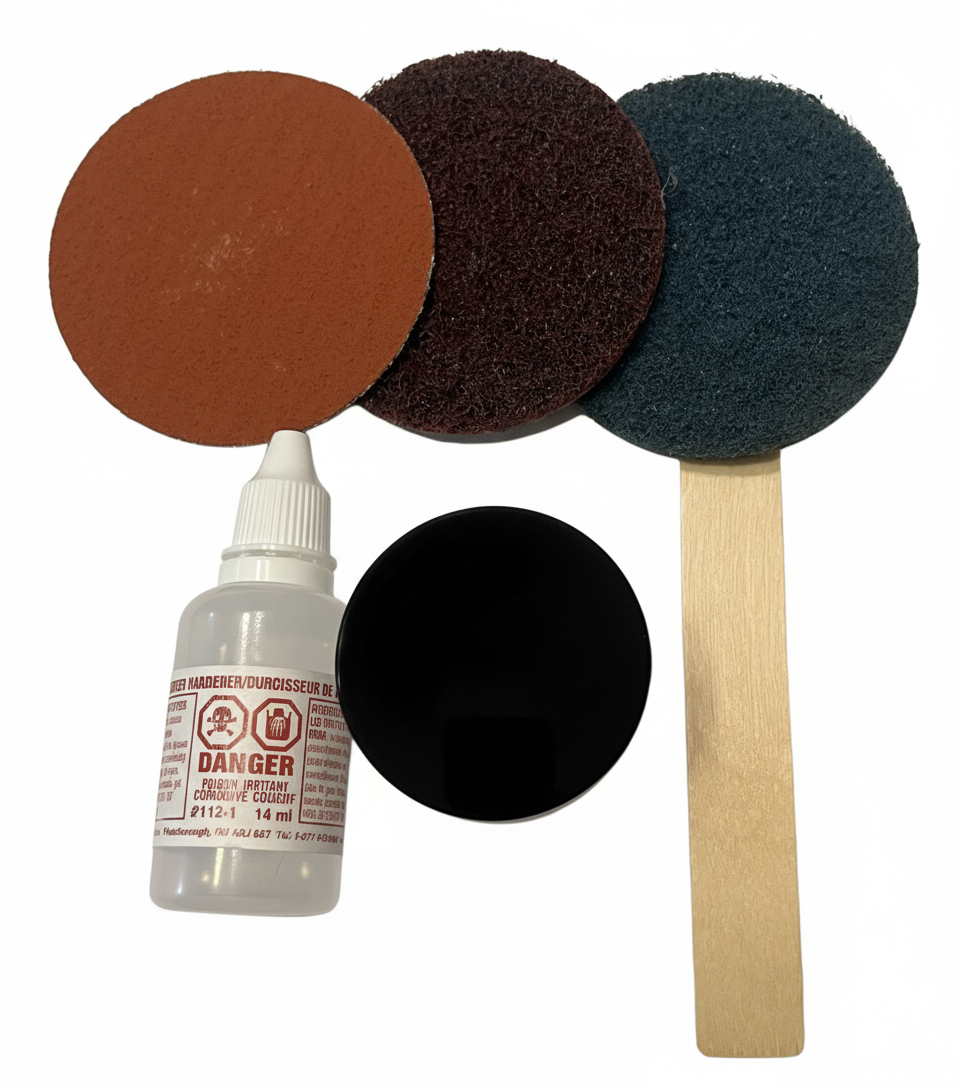
Gelcoat repair · 1 oz
SKU Gt-VR

Gelcoat repair · 1 oz
SKU GT40-SD-GELCOAT-BLACK

Gelcoat repair · 1 oz
SKU GT-0099

Gelcoat repair · 1 oz
SKU GT40-SD-GELCOAT-SUPERWHITE
Check the actual repair area and product label. Model and year help describe the craft; they do not guarantee a color match.
Confirm the material is suitable for the surface being repaired. Include clear photos when asking the shop for help.
Use the individual listing for supplied gelcoat, hardener and application materials. Follow the instructions for the product supplied.